
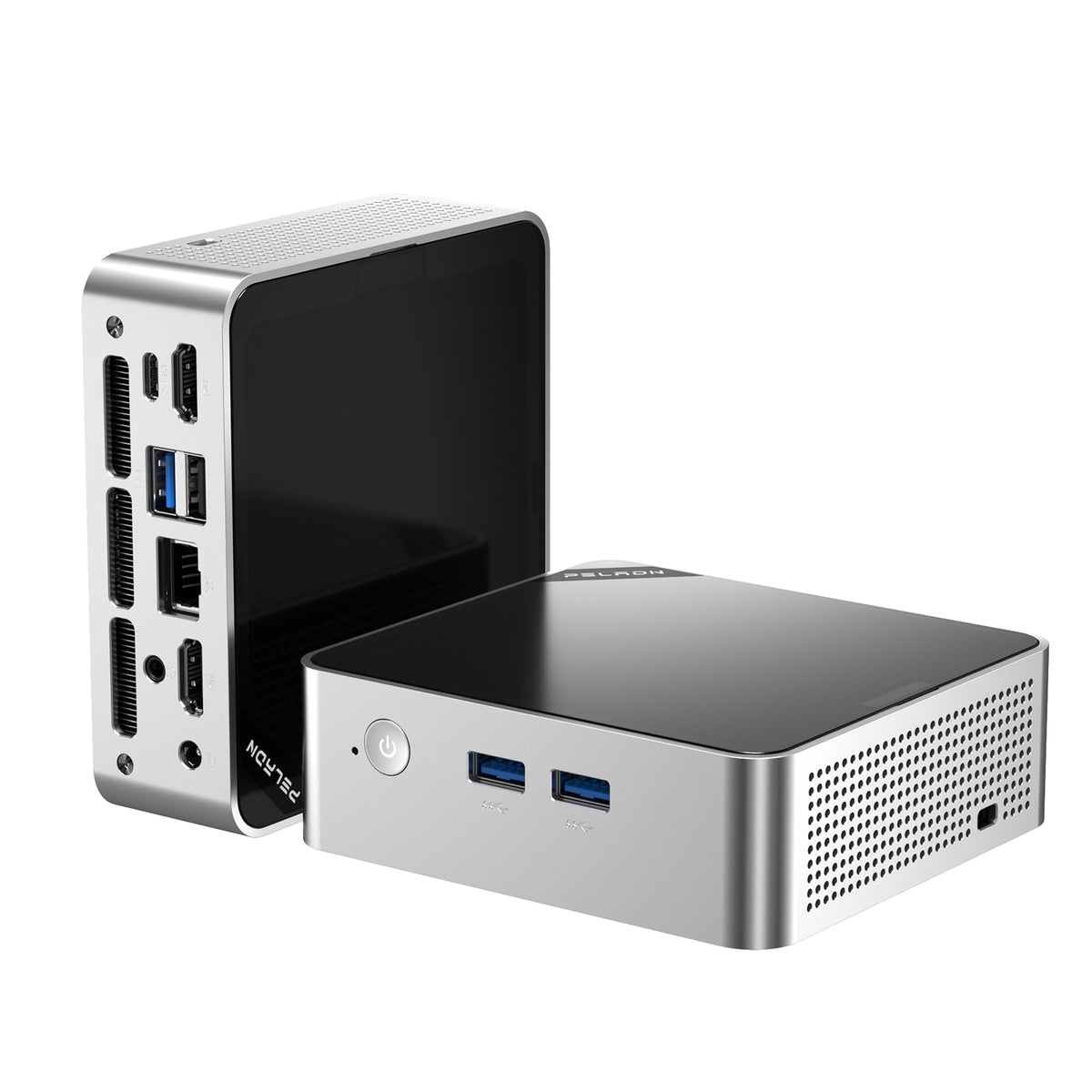
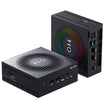
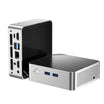
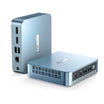
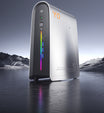
The way we do our jobs is changing. With its rows of cubicles and big desktop towers, the traditional office is giving way to workspaces that are more flexible and open to change. You need to make the most of your space and time whether you are in a hybrid setup, an open-plan office, or a cozy home office. We need different kinds of hardware now because of this change, and that big old desktop PC could be holding you back.
If you want to improve your office PC setup, you may have noticed that the small form factor (SFF) PC is a new type of computer that is becoming more popular. With their performance, efficiency, and space-saving design, these small powerhouses are perfect for the modern office. What are they, though, and why might you want one for your office?
What Is a Small Form-Factor PC and Why It Fits Modern Offices
What does a small form-factor PC really mean? You can think of it as a full-fledged desktop computer that fits into a much smaller case. It is not just a small reduction in size; some of these mini PCs are so small that you can fit them in the palm of your hand or hide them behind a monitor. Our usual large towers are very different from many of these models, which have volumes of less than one liter.
They are small, but do not let that fool you. These small computers can easily handle the needs of modern productivity software and multiple tasks at once. TechRadar tests show that some of these small computers can easily handle heavy tasks like video editing and other intensive tasks. The devices are very quiet even when editing 4K videos in Adobe Premiere Pro. A small form factor PC has many benefits for the modern office, such as:
Space-Saving for Minimal Desks: This is the most obvious benefit. When you get a smaller PC, you get more desk space, which makes your workspace cleaner and better organized. This is very important in places like open-plan offices, co-working spaces, and home offices where every inch is valuable. They do not take up much space on the desk, and you can mount them behind the monitor to keep your workspace neat and professional.
Lower Power Consumption: In terms of energy efficiency, SFF PCs are the clear winners. When compared to regular desktops, they use processors with low wattage and smart cooling systems that save a lot of energy. This not only lowers your electricity bill, it also leaves less of a mark on the environment. A typical desktop tower might use 200 to 300 watts when it is busy, but many mini PCs use much less than that. They often use only 10 to 15 watts when they are not in use and never more than 65 watts when they are.
Quiet Operation: No one likes a computer that makes a lot of noise, especially when they are using it with other people. An important thing to keep in mind when working in a quiet place is that many mini PCs are made to run quietly or almost silently. Because they do not need loud fans to work, the small cooling systems are perfect for shared workspaces where focus is important.
Easy Deployment and Maintenance: Simply put, mini PCs are easier to set up, move, and keep up because they are smaller and have a simpler design. IT teams that need to set up and manage a lot of computers will benefit a lot from this. They are easy to move from one place to another, and because they are modular, it is usually easy to add more RAM or storage without having to work inside a big tower case.
Key Factors to Consider When Choosing an Office PC
How you pick the right office PC is not just about its size. To make sure you get a machine that works for you, you need to think about a few important things. Industry experts who have tested tens of thousands of desktop computers over the course of several decades stress how important it is to look at more than just raw performance when judging a computer.
Here’s what you should look for:
CPU Speed: Your computer’s processor, or CPU, is like its brain. An Intel Core i3 or AMD Ryzen 3 is good enough for most office work to handle email, web browsing, and basic document editing. You should get a Core i5 or Ryzen 5 if you are a heavy user who works with big spreadsheets, presentations, or creative software all the time. The Thermal Design Power (TDP) of the processor can also help you figure out how well it works and how much cooling it needs. Models that use less than 35 watts are very quiet and efficient. Models that use more than 35 watts produce more heat but more power.
RAM and Storage: RAM is the short-term memory in your computer. Storage is the long-term memory. For smooth multitasking, you should have at least 8GB of RAM. For most office users, 16GB is the sweet spot. If you often work with multiple programs open at once or programs that use a lot of memory, 32GB gives you even more room. If you want to store things, you need a Solid State Drive (SSD). Traditional hard drives take a lot longer to start up than SSDs. This means that your computer will start up faster and programs will load quickly. A 256GB SSD is a good place to start, but you should get at least 512GB if you work with big files or need to store a lot of local data.
Connectivity & Expandability: Check to see if the PC has all the ports you need. If possible, look for a lot of USB ports, including USB-C and Thunderbolt. You should also be able to connect monitors via HDMI or DisplayPort, have an Ethernet port for a stable internet connection, and have Wi-Fi 6 for fast wireless networking. Another important feature for productivity is the ability to use two monitors at the same time. PCMag did a lot of testing and found that multi-monitor support is one of the best features in office PCs. This feature lets you spread your work across multiple screens, which makes you more productive.
Noise Level, Cooling Design, and Power Efficiency: As we already said, a computer that is quiet is a happy computer. Look for models that have good cooling to keep them from getting too hot and losing performance. It is also important to use less power, both for the environment and your electric bill. Modern mini PCs often have passive or semi-passive cooling systems that keep the computer at the right temperature while reducing fan noise.
A Small Form-Factor PC Is a Smart Long-Term Investment
Getting a small form factor PC for your office is not just a way to save space; it is also a smart long-term investment that will pay off in the long run. It saves a lot of money on power bills, especially when you have a lot of computers in an office. You can save hundreds of dollars a year on electricity costs alone if you switch from a traditional desktop that uses 200 watts to a mini PC that only uses 50 watts.
Your IT department will have less work to do because the maintenance footprint is smaller. There are fewer moving parts and less heat production in these small systems, which usually means they are more reliable and last longer. You can easily change their purpose or improve them, which makes them more useful and gives you a better return on your investment. Do you need more RAM? Upgrades are easy to do on most models. Would you like to add more space? A lot of them allow you to install more SSDs.
Aesthetics are important, too, in addition to the practical ones. With the help of small form factor PCs, you can make your workspace look modern and professional, which will impress clients and make your employees happy. That way, there are no more clunky towers and tangled cables, and your business will look neat and professional.
Pick the Small Form-Factor PC That Works as Hard as You Do
The best office PC is the one that helps you be the most productive person you can be. Small form-factor PCs are made to handle the challenges of today’s workplace. They are small, powerful, and efficient. They can work with hybrid work models, are small enough to fit in offices, and give you the performance you need without the extra bulk you don’t.
When you buy your next office PC, you should carefully think about how you work. If you are a creative professional who needs the most processing power and the ability to use multiple displays, the Mini IT13 or GT1 Mega are great options. If you want a well-rounded option that can handle everyday tasks well without breaking the bank, the A8 or IT12 might be a good choice. For cutting-edge technology that will work well for years to come, the A9 Max has the newest connectivity standards and will be ready for the future.
The office of today needs modern solutions. If you pick a small form-factor PC that works with your team’s workflow, you can make your workspace look better, get more done, and feel confident about the future of work.
Leave a comment
This site is protected by hCaptcha and the hCaptcha Privacy Policy and Terms of Service apply.