

Virtualization has revolutionized the way we utilize computing resources, enabling us to run multiple operating systems and applications simultaneously on a single machine.
To harness the power of virtualization, it’s essential to have a capable and efficient computing system that can handle the demands of running virtual machines.
While traditional virtualization setups require powerful servers, there has been a growing trend toward using mini PCs for virtualization due to their compact size, low power consumption, and cost-effectiveness.
Recommended Mini PCs for Virtualization
Based on the factors mentioned above, here are some of the best mini PCs for virtualization:
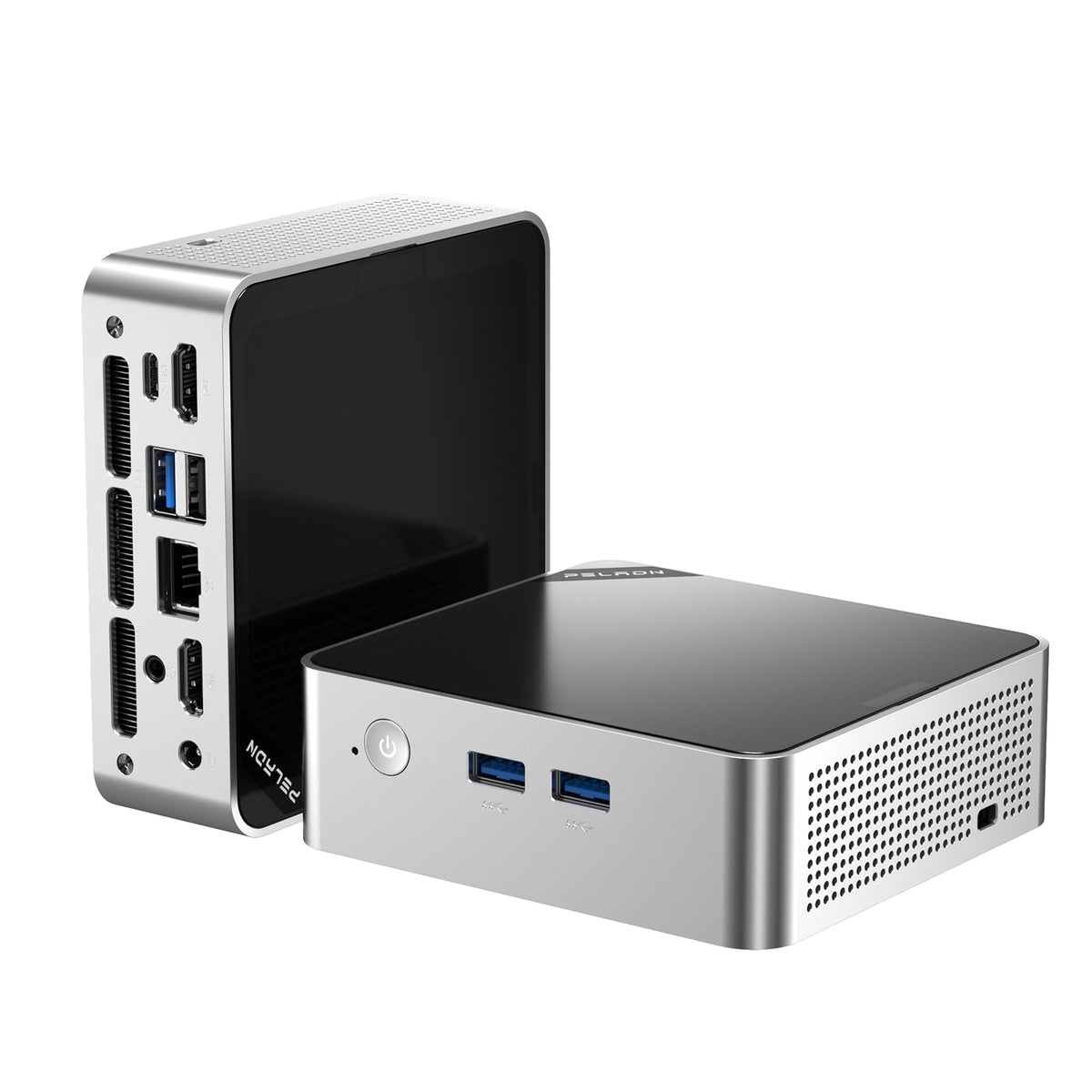
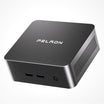
1. PELADN Mini PC WO4 7640HS
-
Integrated AMD Radeon™ 780M Graphics featuring RDNA™ 3 architecture with support for FidelityFX Super Resolution (FSR).
-
Dual-channel DDR5-5600 SODIMM memory, support for up to 64 GB.
-
M.2 2280 PCIe 4.0 ×4 SSD slot, support for up to 2 TB storage.
-
High-speed Wi-Fi 6E and Bluetooth® 5.2 wireless connectivity.
- Windows 11 Pro
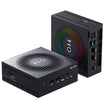
2. PELADN Mini PC HO5 AI 9 HX370
- AMD Ryzen™ AI9 HX370.
- AMD Radeon™ 890M.
- 1TB PCIe 2*PCIe 4.0 M.2 slots×4 SSD, up to 8TB.
- 2.5G Ethernet, Wi-Fi 7, Bluetooth® 5.4.
- Pre-installed with Windows 11 Pro, ready to use.
- AI PC
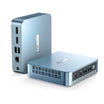
2. PELADN Mini PC WO4 7640HS
-
Integrated AMD Radeon™ 780M Graphics featuring RDNA™ 3 architecture with support for FidelityFX Super Resolution (FSR).
-
Dual-channel DDR5-5600 SODIMM memory, support for up to 64 GB.
-
M.2 2280 PCIe 4.0 ×4 SSD slot, support for up to 2 TB storage.
-
High-speed Wi-Fi 6E and Bluetooth® 5.2 wireless connectivity.
- Windows 11 Pro
The WO4 7640HS packs a powerful AMD Ryzen 5 7640HS and supports up to 64GB of memory, making it an excellent choice for virtualization.
The ample number of USB ports and connectivity options make it easy to connect various peripherals and devices. With its robust performance and hardware virtualization support, it’s an excellent choice for virtualization enthusiasts and professionals alike.
The Benefits of Mini PCs for Virtualization
Using mini PCs for virtualization offers several advantages over traditional server-based setups.
1. Space-saving
One of the primary advantages of a mini PC is its compact size. These systems are significantly smaller than traditional desktop towers, allowing them to fit seamlessly into tight spaces such as offices, labs, or home setups.
The reduced footprint is particularly beneficial in scenarios where multiple virtual machines need to coexist, making mini PCs an excellent choice for small businesses or individuals with limited workspace.
2. Energy Efficiency
Mini PCs are designed to consume less power compared to their larger counterparts. Their energy-efficient components, such as low-power processors and solid-state drives (SSDs), contribute to reduced electricity consumption.
This feature is not only environmentally friendly but also helps in cost savings over time, especially in scenarios where multiple mini PCs are used for virtualization.
3. Cost-Effectiveness
Mini PCs often provide a cost-effective solution for virtualization needs. Their compact design reduces the overall hardware costs, as fewer components and materials are required.
Additionally, mini PCs consume less energy, resulting in long-term cost savings. These devices also facilitate easier maintenance and upgrades, saving both time and resources.
4. Performance and Flexibility
Despite their small size, mini PCs boast impressive performance capabilities. Equipped with powerful processors, ample RAM, and high-speed storage options, they can handle resource-intensive virtualization workloads seamlessly.
Mini PCs also offer flexibility in terms of connectivity, allowing integration with various peripherals and network configurations.
Considerations for Choosing the Right Mini PC for Virtualization
While mini PCs offer numerous advantages for virtualization, it’s important to understand the key factors to consider when selecting a mini PC for virtualization.
1. Processor and Performance
The processor is the heart of any computing system, and virtualization demands significant processing power. Look for mini PCs that feature multi-core processors, such as Intel Core i5 or i7, or AMD Ryzen processors. These processors offer strong performance and enable smooth virtual machine operations.
2. RAM Capacity
Virtualization requires ample RAM to ensure smooth multitasking and efficient operation of virtual machines. Aim for a mini PC with at least 8GB of RAM, although 16GB or more is preferable for more demanding virtualization workloads.
Leave a comment
This site is protected by hCaptcha and the hCaptcha Privacy Policy and Terms of Service apply.